 Postbook
Read the internet
like a book.
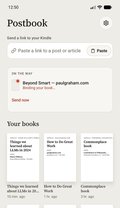
Stop bookmarking things you never read. Paste a link to a post, a thread or an article, and a minute later it’s on your Kindle as a real book with its own cover. Read it later, calmly, away from your phone.
Paste or share a link
Here on the website, or from the Share menu of any app on your iPhone or Mac.
We bind it into a book
The whole thread in order, the article without its clutter, a title page and a cover.
It lands on your Kindle
Through Amazon’s own Send to Kindle email, usually within a minute. Nothing to install on the Kindle.
Read what you save.
Bookmarks pile up and never get opened. A book waiting on your Kindle does get read.
You actually read it
The thread you meant to come back to is now a book in your library, with a title you’ll recognise and a cover that makes you want to open it.
Less time on your phone
Save it in a second, then put the phone down. The reading happens on e-ink, away from notifications and the next post in the feed.
Better concentration
One piece at a time, as a book, with nothing beside it competing for your attention. Long reads finally get the focus they deserve.
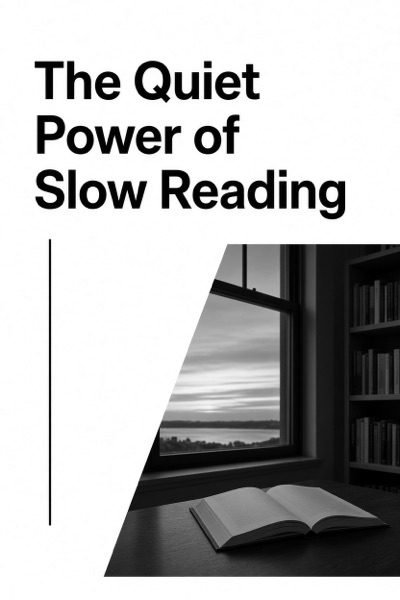

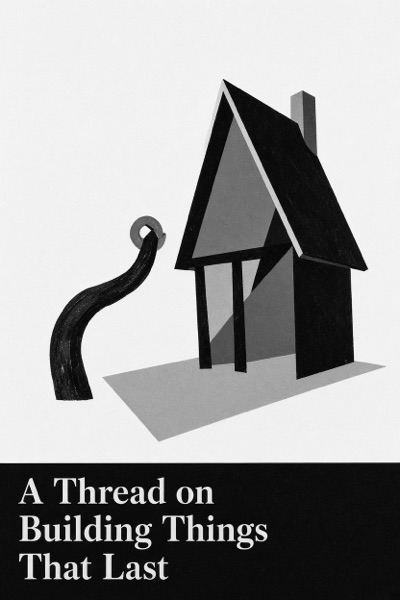
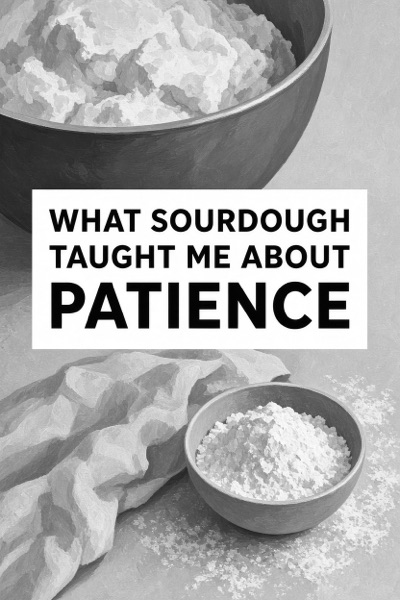
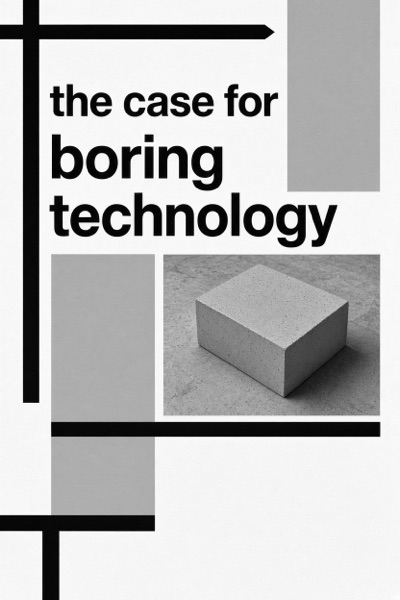
Every book gets its own cover, drawn from its title and opening lines, so your Kindle library looks like a library, not a list of web pages. Examples shown; you choose whether to turn them on.
Postbook or Amazon’s Send to Kindle?
Amazon’s free Send to Kindle is great for files you already have. Postbook is made for posts, threads and long reads from the web. Many people use both.
Tried it? Next time, one tap.
The iPhone and Mac apps put Postbook in every Share menu, show your books as a shelf of covers, and use the same account as the website.
Questions
Which Kindles work?
Any Kindle with a Send to Kindle email address, which is every recent model. The Kindle apps have one too.
Why approve an address on Amazon?
Amazon only delivers from senders you’ve approved. You get your own Postbook address, so nobody else can send to your Kindle through us.
What can I send?
Posts and whole threads from X, Bluesky, Mastodon and Threads, newsletters, blog posts and articles. LinkedIn posts too, shared from Safari with the app. Videos and podcasts stay where they are.
What happens to my data?
Only what’s needed to make and deliver your books. See the privacy policy; delete your account any time.